
CFPLX Splitter
The visual character-image splitter inside CFPLStudio — a guided workspace for turning one flattened piece of generated artwork into separated, usable animation parts.
The Problem CFPLX Addresses
One of the largest obstacles in character production is that generated character artwork generally arrives as a single flattened image, not as the separated arms, legs, head, and facial parts an animator or production pipeline actually needs. Turning that one image into usable parts is normally slow, manual work.
CFPLX provides a visual workspace for placing and adjusting cutting regions directly over a generated character, so the separation work can happen in a controlled, repeatable way rather than starting from scratch every time.
Inside the CFPLX Workspace
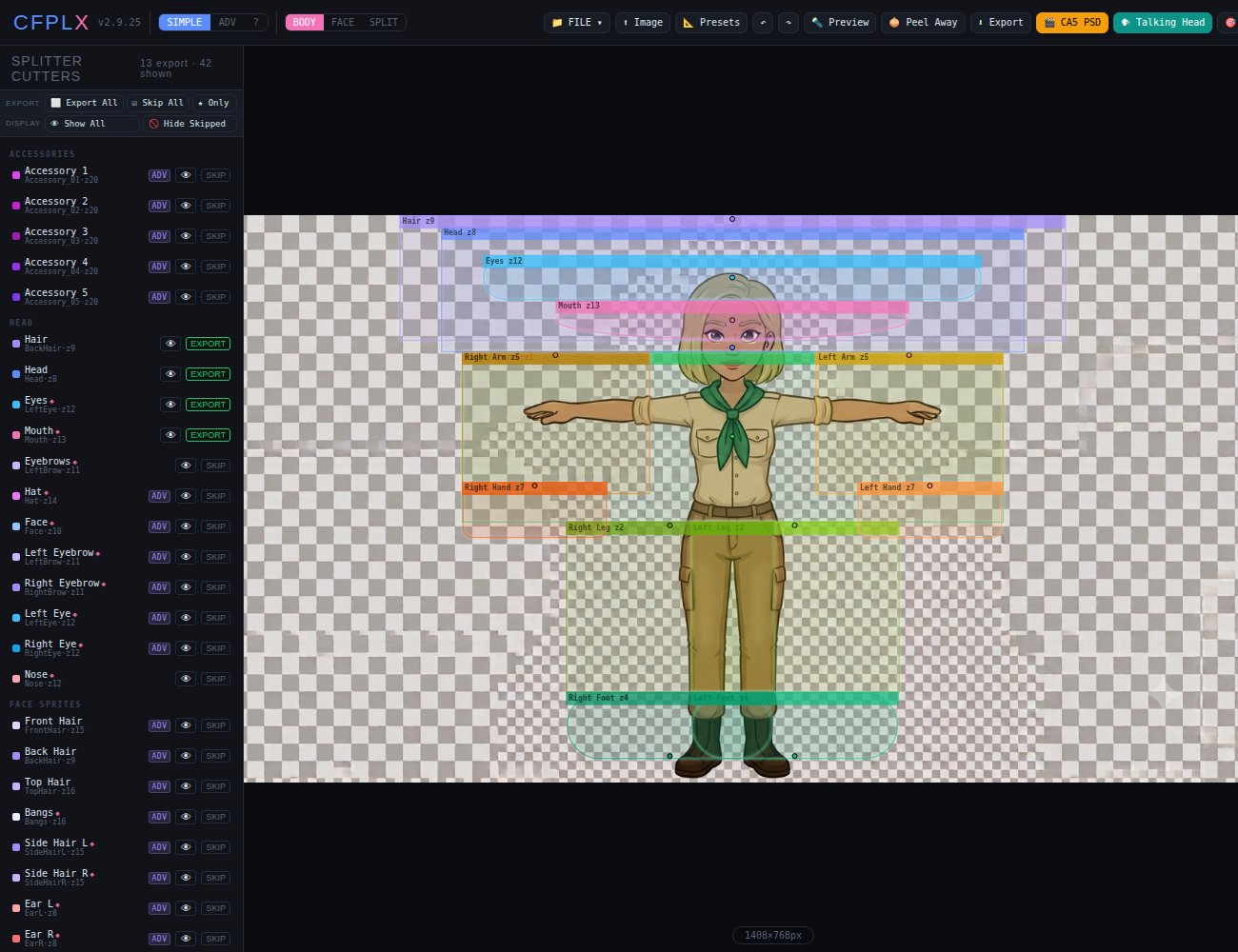
Cutting regions are placed and labeled directly over the character, with a live list of every part on the left.
What CFPLX Does
- Body, facial, and combined splitting modes
- Adjustable visual cutting regions
- Joint and facial-region placement
- Preview of the intended separation before export
- Saveable
.cfplxproject files - Later revision without rebuilding the whole setup
- Body and talking-head PSD output workflows
- A controlled bridge between generated artwork and character animation
Related CFPL Tools
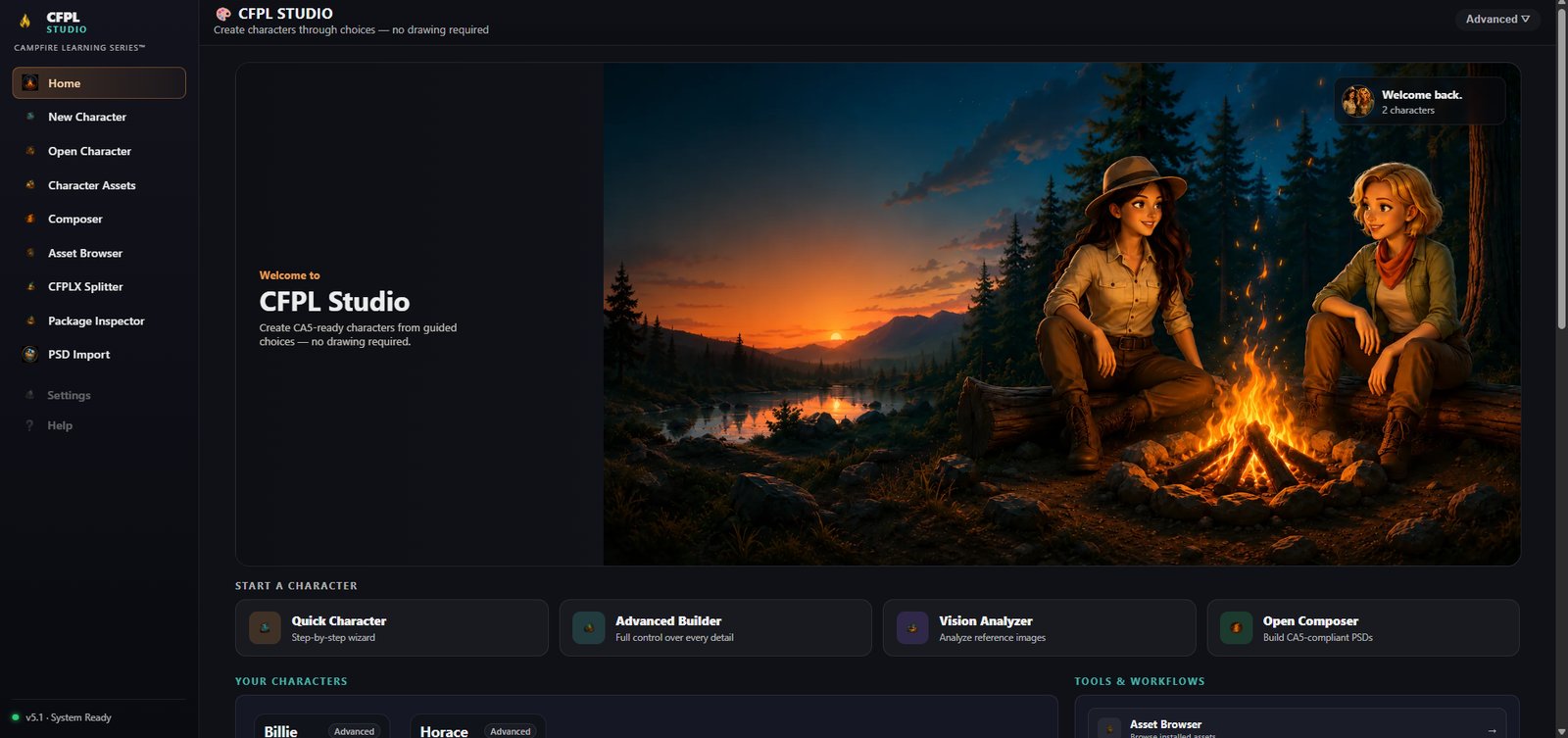
CFPLStudio
See how CFPLX fits into the full CFPL production pipeline.
Back to CFPLStudio →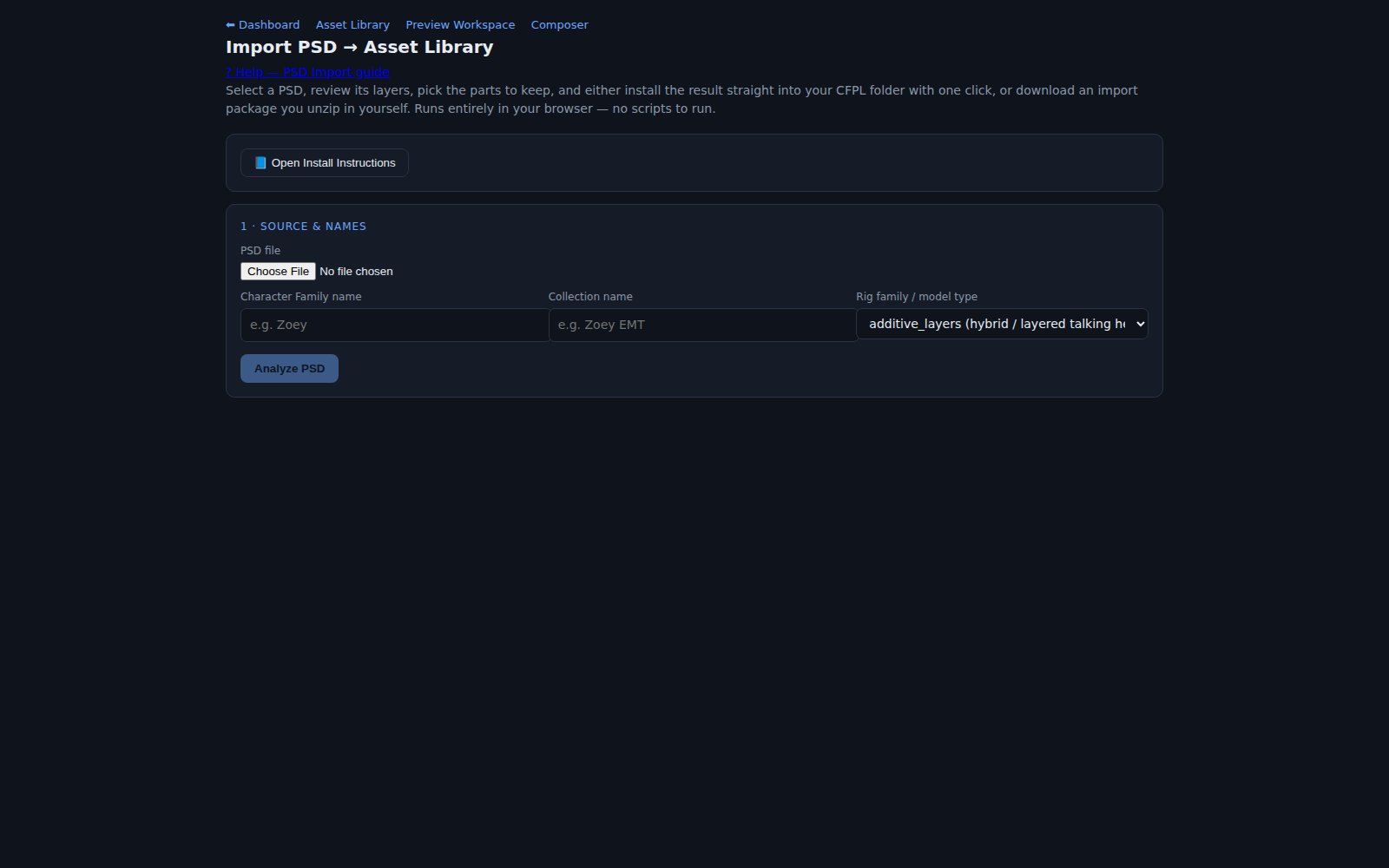
PSD Workflow
CFPLX output can feed into, or be organized alongside, PSD-based asset collections.
Explore PSD Workflow →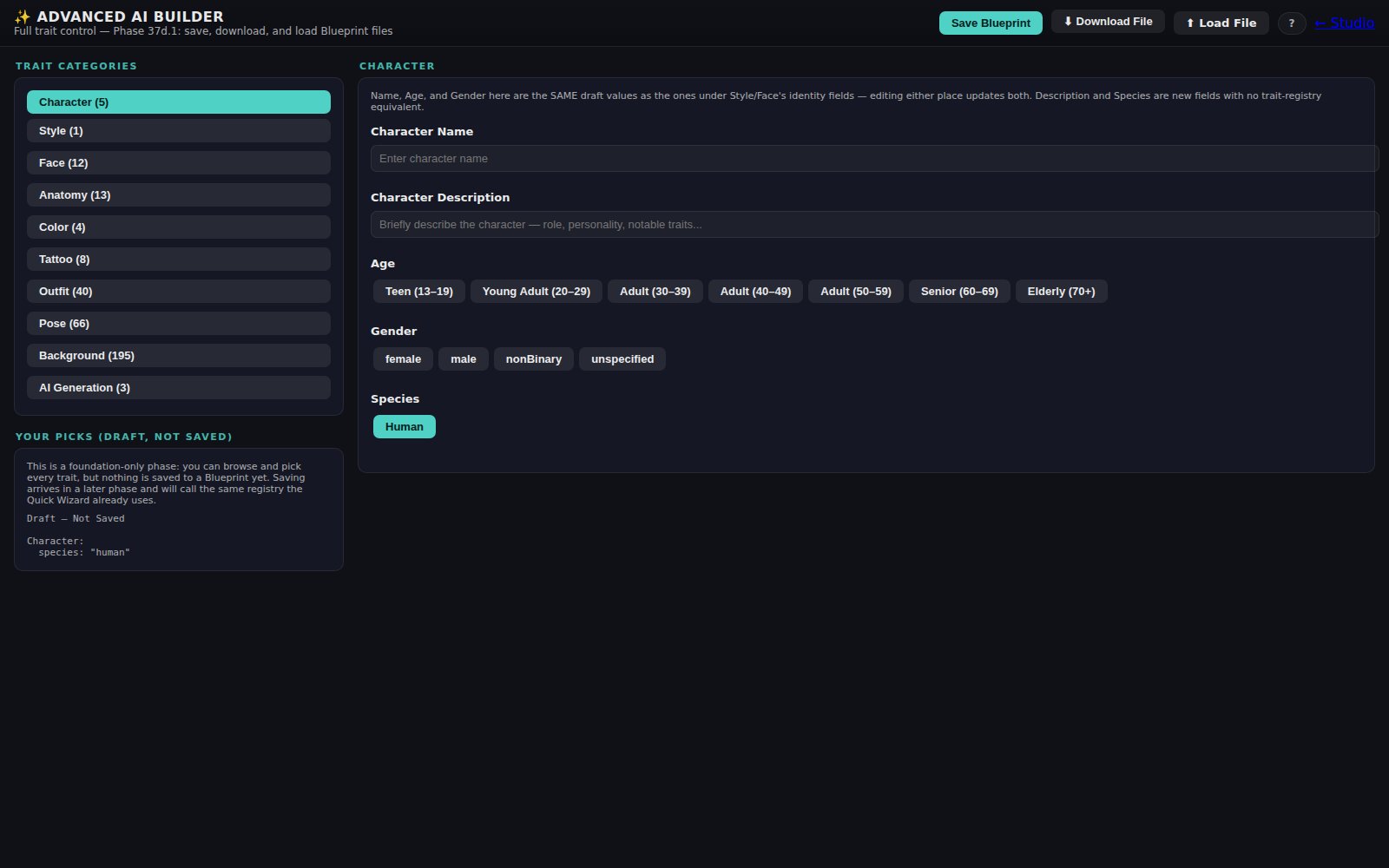
CFPL3D
An early exploration of applying the same controlled approach to 3D character assets.
Explore CFPL3D →Questions about CFPLX?
CFPLX is still under active development. Get in touch with Campfire Learning Series to learn more.
Contact Campfire Learning Series