
PSD Workflow
Layered Photoshop character files are powerful, but they can also be messy. The CFPL PSD workflow turns a complicated artist file into an organized, understandable, reusable CFPL asset-library collection.
The Problem With Raw PSD Files
A layered Photoshop character file often looks organized to the artist who built it, but is much harder for a production system to make sense of on its own. The same file can contain inconsistent layer names, hidden variations, masks, effects, duplicate parts, artwork that has never been classified, and layers that should not be included at all.
The CFPL PSD workflow exists to turn that raw file into something understandable and reusable, not just to open it.
How the PSD Workflow Works
Six steps carry a layered file from raw artwork to an organized CFPL asset-library collection.
-
Select a layered PSD file
Choose the source Photoshop file for the character.
-
Analyze its layer structure
The workflow reads through the file’s layers to understand what it contains.
-
Review detected layer names and suggested classifications
Every layer is listed with a proposed feature and classification for review.
-
Select the parts to retain
Choose which body, face, hair, eyes, brow, mouth, clothing, and accessory parts belong in the final collection.
-
Assign character family, collection, and rig type
Give the selected parts a character family name, a collection name, and a rig type.
-
Prepare the organized CFPL asset-library collection
The retained, classified parts are prepared as a structured, reusable collection.
Inside the PSD Workflow


The goal of this workflow is not simply to open a PSD file — it is to turn a complicated artist file into assets that are easy to understand, easy to find, and ready to reuse across a production pipeline.
Related CFPL Tools
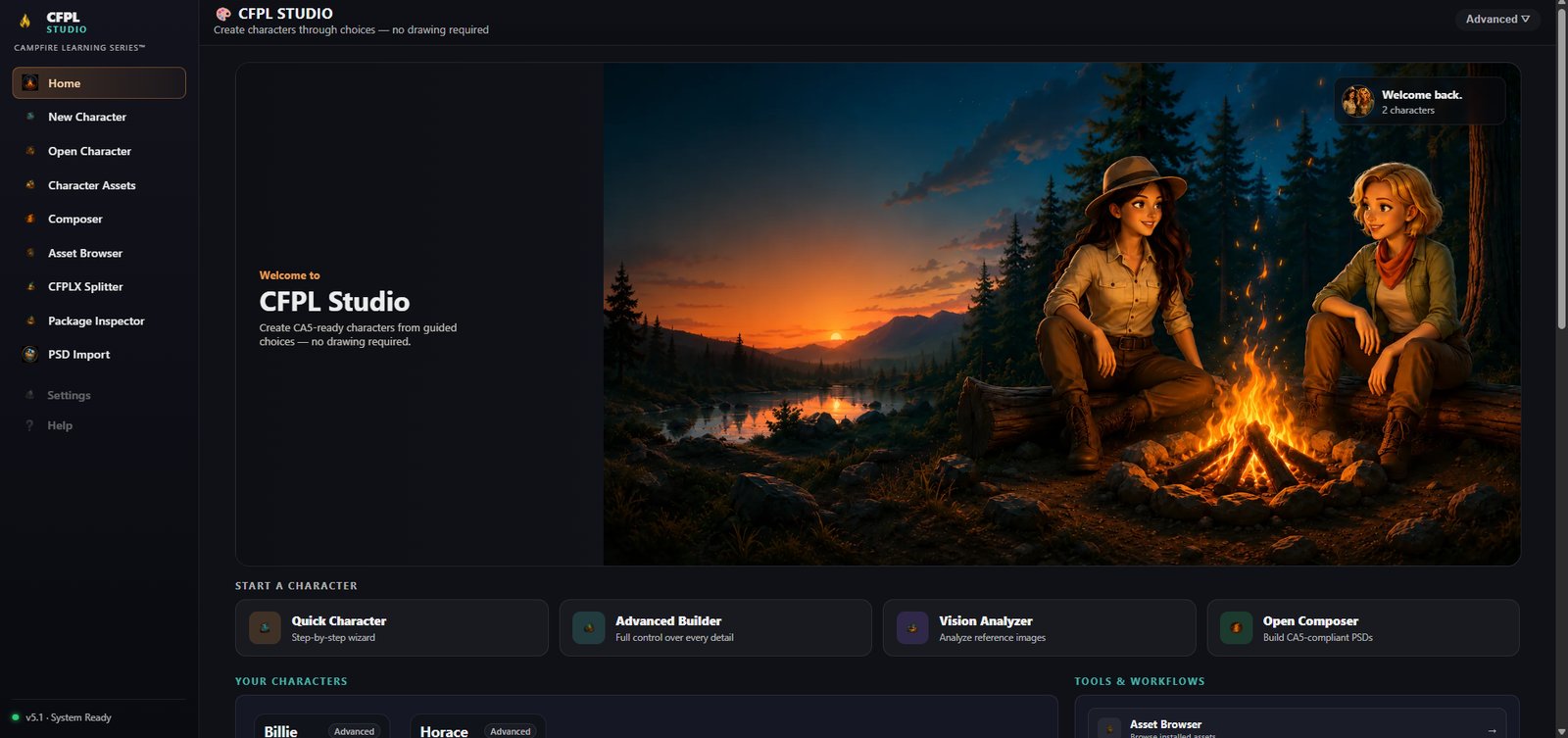
CFPLStudio
See how the PSD workflow fits into the full CFPL production pipeline.
Back to CFPLStudio →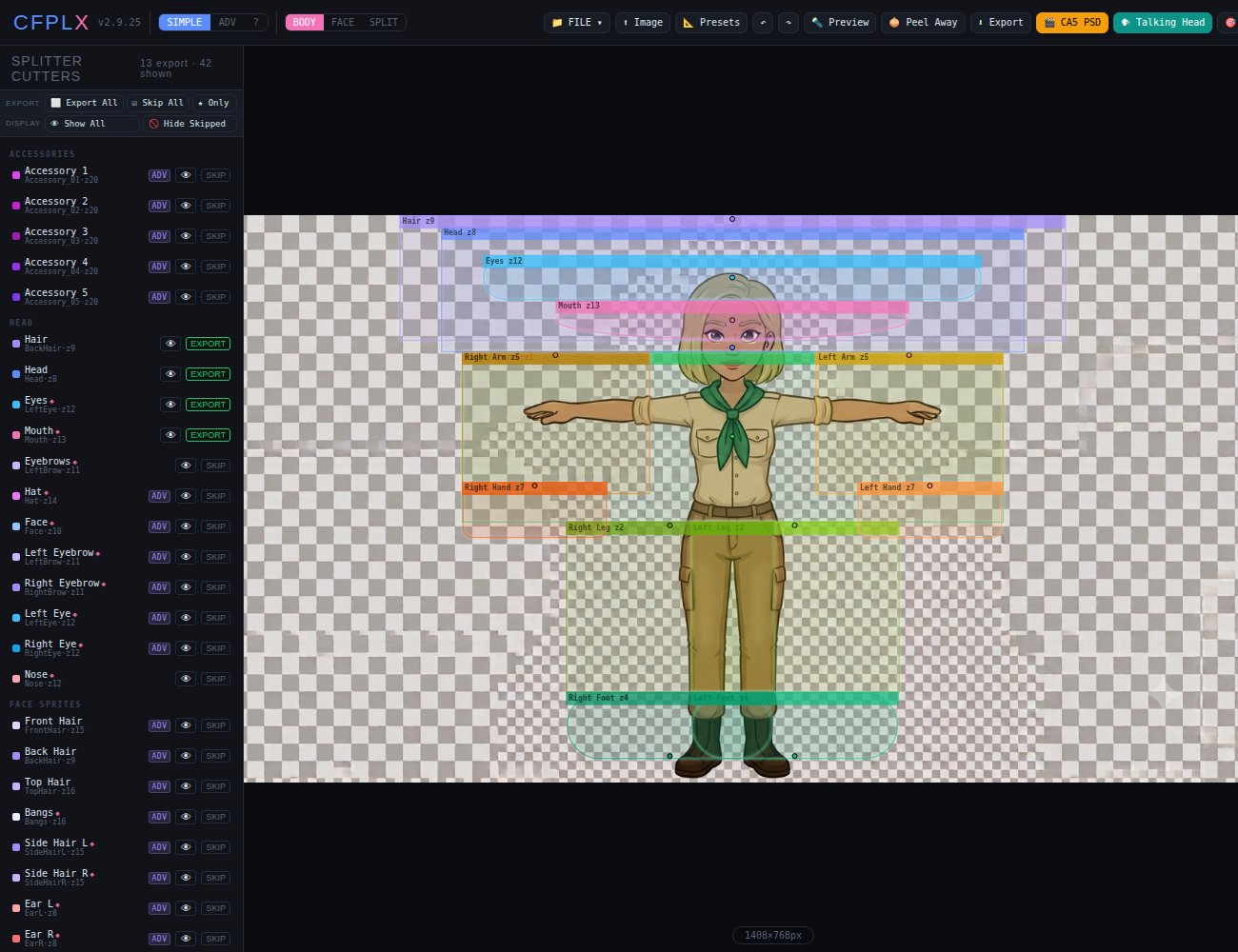
CFPLX Splitter
A visual workspace for separating generated artwork into usable parts.
Explore CFPLX →
CFPL3D
An early exploration of applying the same controlled approach to 3D character assets.
Explore CFPL3D →Questions about the PSD workflow?
This workflow is still under active development. Get in touch with Campfire Learning Series to learn more.
Contact Campfire Learning Series